


 Log In














How to Build a HIPAA-Compliant CRM Without Code
Standard CRM software is built for sales teams. Healthcare teams need a HIPAA-compliant CRM, and the standard options rarely deliver it without significant overhead. Platforms like Salesforce and HubSpot track leads, manage pipelines, and automate outreach, but the data involved in healthcare is not sales data. It is protected health information, and the compliance requirements that apply to it are completely different from what standard CRMs handle by default.
A HIPAA-compliant CRM is a patient relationship management system built on infrastructure that meets HIPAA’s technical and administrative requirements: encryption, role-based access, audit logging, and a signed BAA from the vendor. Most healthcare teams evaluating CRM options find the same thing. The well-known platforms either require an enterprise add-on to become HIPAA-ready, or they are preconfigured systems that don’t flex to a specific clinical workflow. This guide covers what a HIPAA-compliant healthcare CRM actually requires, where the standard options fall short, and how to build a custom, compliant patient CRM with Knack Health without a development team.
Key takeaways
- A HIPAA-compliant CRM for healthcare tracks patient relationships, referrals, follow-up tasks, and communication history in a system that meets HIPAA’s technical safeguards: BAA, encryption, role-based access, and audit logging.
- Standard CRMs like Salesforce and HubSpot can be configured for HIPAA compliance, but it requires enterprise plans, significant configuration, and often a paid HIPAA add-on. That path is not practical for most small healthcare practices.
- Every CRM that stores or processes patient data needs a signed BAA from the vendor. If the vendor won’t sign one, that platform cannot legally handle PHI.
- Knack Health lets healthcare teams build a fully custom, HIPAA-compliant patient CRM without code, starting at $499 per month flat-rate with no per-user fees.
- A custom CRM built in Knack Health fits your actual relationship management workflow rather than forcing your practice to adapt to a sales-focused tool.
What is a HIPAA-compliant CRM?
A custom patient CRM for healthcare is a system that manages patient relationships, interactions, and follow-up workflows in a way that meets HIPAA’s requirements for storing and handling protected health information. It tracks the administrative and relational side of patient relationships: who the patient is, how they came to the practice, what interactions have occurred, what follow-up is outstanding, and what the relationship history looks like over time.
This is, however, distinct from a clinical record system. A CRM tracks the relationship and the workflow around it while an EHR tracks the clinical data. Small healthcare practices often need both layers. In practice, a CRM that connects to the clinical layer is more useful than a system that tries to combine everything in one tool.
The compliance distinction from a standard CRM is, however, straightforward. Standard CRMs store commercial sales data, not protected health information. Consequently, the infrastructure, default configurations, and vendor agreements on standard plans are not designed for PHI. A HIPAA-compliant CRM runs on infrastructure that meets the Security Rule’s requirements by default, not through configuration workarounds after the fact.
Where off-the-shelf CRMs fall short for healthcare
The well-known platforms can be made to work for healthcare. The path to get there, however, is longer than most small practices expect.
BAA availability is gated behind enterprise tiers
Salesforce requires its Health Cloud product or the Shield add-on to sign a BAA. Standard Sales Cloud plans do not include one. HubSpot’s BAA is similarly available only on higher-tier plans. Kustomer, which ranks highly in most HIPAA CRM comparison posts, requires its Enterprise or Ultimate subscription plus a separate HIPAA add-on package. For a small practice that needs a patient CRM, paying for an enterprise healthcare tier of a sales-focused platform is a significant overhead.
The configuration and cost problem
Configuration burden is high
Even when a standard CRM offers HIPAA support, reaching compliance requires significant setup. Specifically, that means enabling SSO, enforcing MFA, configuring IP restrictions, governing third-party integrations, and completing the BAA process. For example, Kustomer’s own documentation notes that clients must configure SSO authentication, enforce MFA through their identity provider, and restrict API access to specific IP ranges just to qualify for a HIPAA-enabled account. This is appropriate for large organizations with IT teams, of course. For a five-person practice, it is a meaningful project.
The tool is built for sales, not care coordination
Furthermore, standard CRM workflows optimize for lead-to-customer pipelines, not referral-to-admission or patient-to-follow-up workflows. The pipeline stages, reporting views, and automation logic all reflect commercial sales relationships. Insightly, for instance, was built as a project and workflow management tool that added CRM functionality. Useful for structured process tracking, but not designed around clinical or operational healthcare workflows.
Per-user pricing scales poorly
Most standard CRMs charge per user per month. A practice with ten staff members paying $75 to $150 per user per month spends $750 to $1,500 per month. Moreover, that cost covers a tool that still requires customization to fit the workflow. See how Knack Health compares.
What a HIPAA-compliant healthcare CRM actually needs
In practice, a CRM that handles patient relationship data needs to meet the following requirements:
A signed BAA from the platform vendor
Specifically, every vendor that stores or processes PHI needs to sign a BAA with your organization. This is non-negotiable. If the vendor won’t sign one, that platform cannot handle patient relationship data.
Encryption at rest and in transit
Patient contact information, referral history, communication logs, and follow-up notes are all PHI when associated with an identifiable patient. Consequently, all of it requires encryption in storage and in transit.
Role-based access controls
Intake coordinators, clinical staff, billing teams, and leadership have different access needs. In other words, the system needs to enforce the minimum necessary standard at the user and field level, not just at the page level.
Workflow automation that stays within the compliance boundary
Follow-up reminders, referral routing, intake form delivery, and communication triggers need to connect to patient records without routing PHI through non-compliant channels. As a result, automation tools that sit outside the BAA create compliance gaps even when the CRM itself is compliant.
How Knack Health handles HIPAA-compliant patient CRM
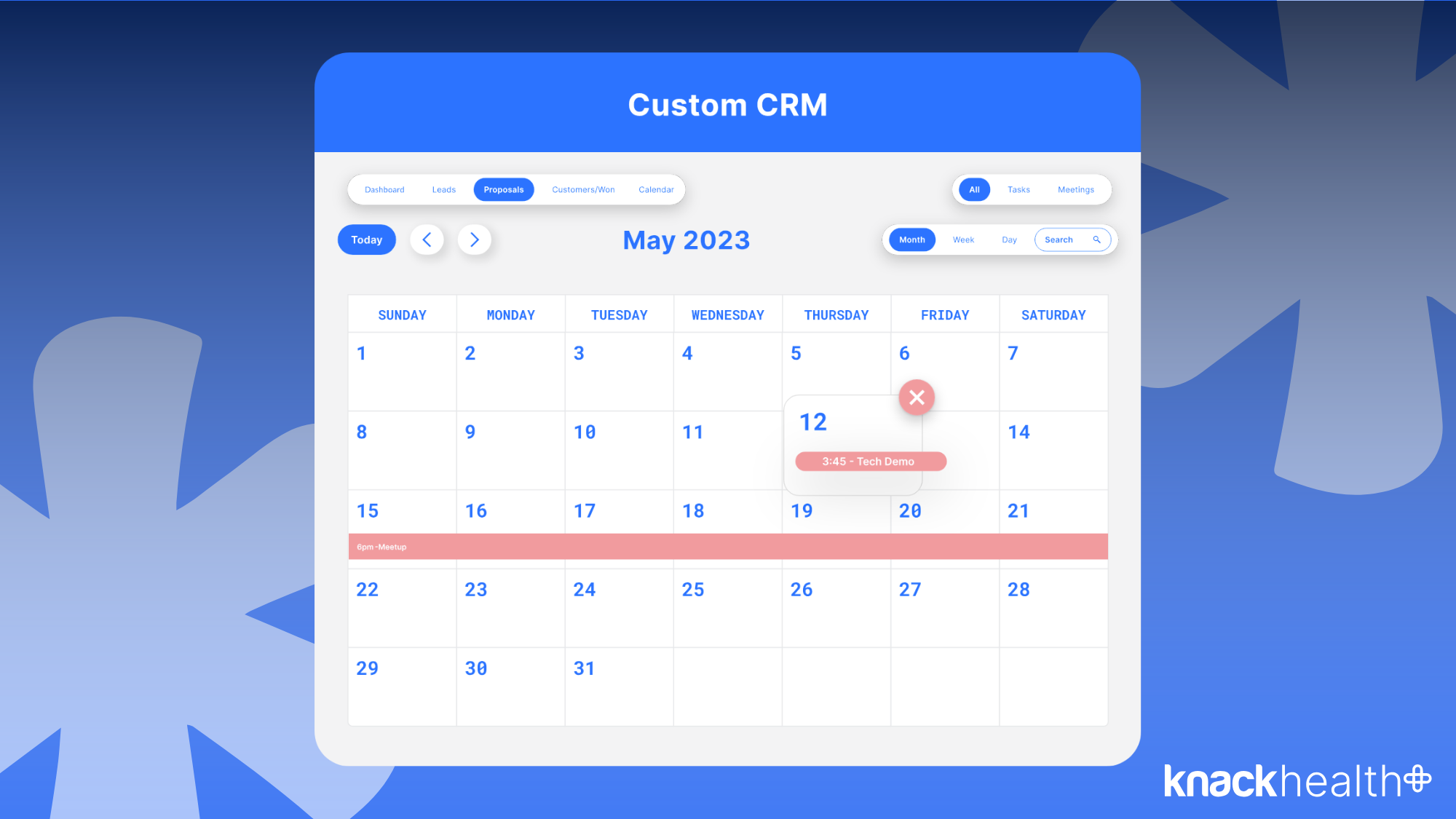
Knack Health lets healthcare teams build a fully custom patient CRM on HIPAA-ready infrastructure, without code.
A patient contact database built around your relationship model
First, set up your patient contacts with the fields your practice actually uses: demographics, referral source, program enrollment, assigned provider, status, and communication history. The data structure reflects how your team manages patient relationships, not a generic sales pipeline.
Referral and pipeline tracking
Next, build a referral pipeline that tracks stages from initial contact through intake, admission, and ongoing care. Each stage, status, and handoff is tracked in the same record rather than across separate systems or spreadsheets.
Follow-up task management
Create follow-up tasks linked to patient records, assigned to specific staff members, with due dates and completion tracking. Consequently, tasks stay connected to the patient relationship history rather than living in a separate task tool.
Communication logs connected to patient records
Log every significant interaction: phone calls, emails, visits, and referral communications. As a result, each log entry connects to the patient record so the full relationship history is visible in one place.
Automation and compliance built in
HIPAA-compliant intake forms as the CRM entry point
Build intake forms that feed directly into patient CRM records. As a result, each submission creates or updates the patient contact record automatically, eliminating manual data entry and keeping the compliance chain intact.
Workflow automation connected to the CRM
Automate follow-up reminders, referral routing, intake form delivery, and status updates. Importantly, automations run against live CRM records and stay within the compliant backend rather than routing PHI through external tools.
Role-based access across your team
Intake coordinators, clinicians, billing staff, and leadership each see the patient relationship data their role requires. Field-level permissions enforce the minimum necessary standard without requiring manual access management.
Knack Health runs on HIPAA-ready infrastructure with encryption at rest and in transit, full record change logs, and a signed BAA included on every HIPAA plan, so the compliance layer is handled at the platform level. In short, the practice builds the CRM. Knack handles the security underneath it.
How to build a HIPAA-compliant CRM with Knack Health
Here is the general shape of how a healthcare practice typically builds a patient CRM in Knack Health. Exact screens and steps evolve, so treat this as a process guide rather than a fixed script.
Define your patient contact object
First, decide what fields belong on every patient contact record: demographics, contact details, referral source, assigned provider, program or service type, and current status. In other words, this is the core record everything connects to.
Build your referral or intake pipeline
Create a pipeline object that tracks stages from initial referral through intake to admission or enrollment. Consequently, link each pipeline record to a patient contact so the full referral history is visible on the patient record.
Add follow-up tasks and communication logs
Create task and communication log objects that connect to patient contacts. As a result, staff log interactions, set follow-up tasks, and track completion without leaving the CRM.
Configure access and automate workflows
Configure role-based access
Define what each role can see and edit in the CRM. Restrict clinical notes to clinical staff, billing data to billing staff, and full records to administrators. Specifically, set permissions at the field level to enforce the minimum necessary standard.
Build intake forms as the CRM entry point
Create intake forms that feed directly into patient contact records. New referrals or self-referred patients complete a form, and the CRM creates a contact record automatically.
Set up workflow automation
Automate follow-up reminders when a referral sits in one stage too long, intake form delivery when a new contact is created, and status update notifications when a record changes. In particular, keep automations connected to Knack Health records to stay within the compliant backend.
Add reporting dashboards
Build views that show referral volume by source, pipeline stage distribution, follow-up task completion rates, and any other metrics your team tracks. Importantly, these pull from live CRM data rather than manual exports.





