Patient intake sets the tone for everything that follows. If the process is slow or inconsistent, it creates extra work for staff and frustration for patients.
Many dental practices still rely on paper forms or disconnected tools. That often leads to missing information, duplicate data entry, and delays at check-in. A digital intake form connected to a custom CRM solves these problems by keeping everything in one system.
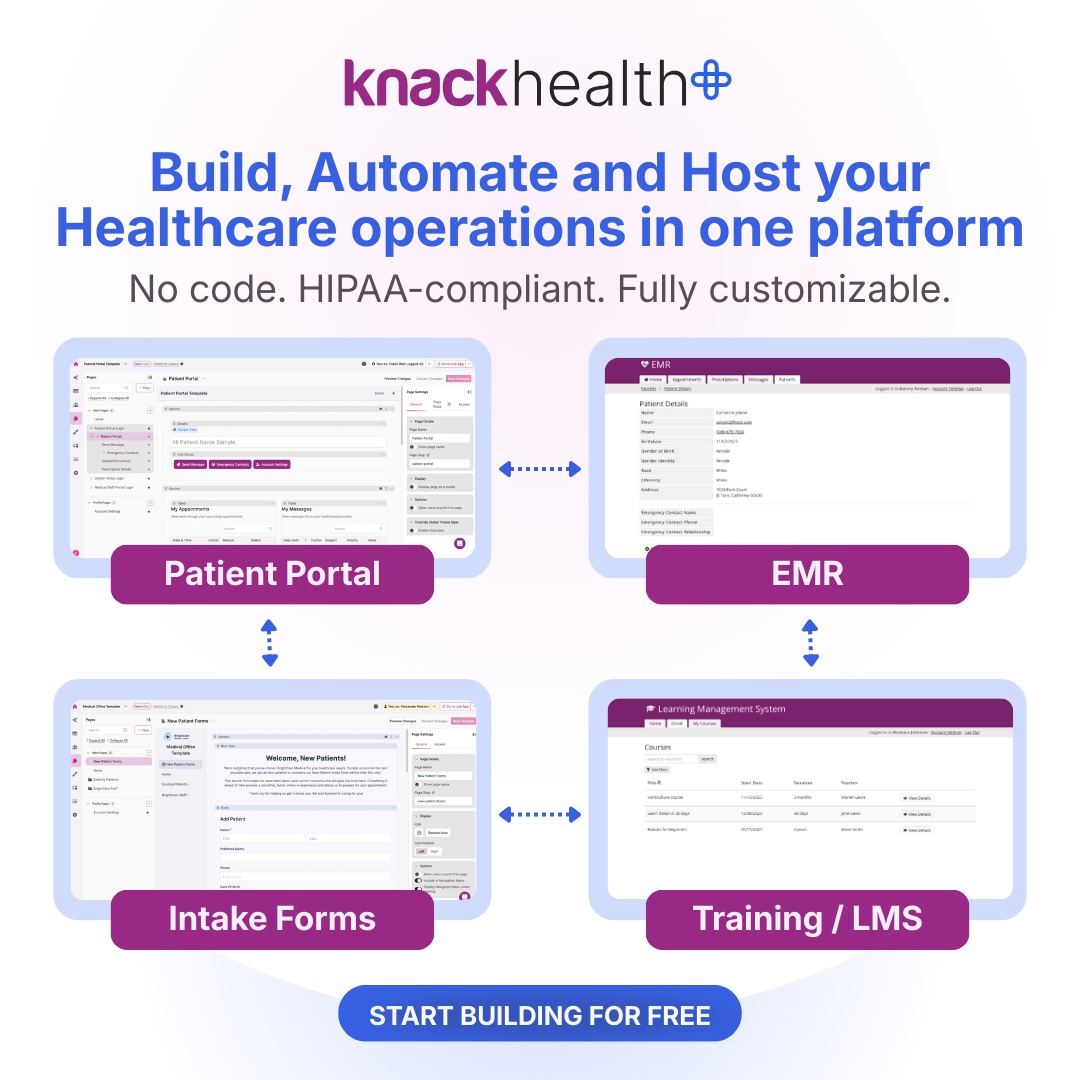
Knack allows you to build that system without code. Knack Health adds a secure infrastructure designed to support HIPAA-aligned applications. The platform provides the foundation, while your team controls how data is collected, accessed, and managed. With the right setup, your intake process becomes faster, more accurate, and easier to manage across your entire dental practice.
Let’s take a closer look at what dental patient intake forms are, what they include, how they enhance CRM data, and how to build an effective one with Knack and Knack Health.
Key Takeaways
- Digital dental patient intake forms reduce errors, save time, and improve patient onboarding
- A custom dental CRM centralizes patient data, communication, and operational workflows
- HIPAA compliance is essential when handling protected health information
- Knack Health offers healthcare-ready templates and secure infrastructure for fast implementation
- No-code platforms allow dental practices to build scalable, customized systems without developers
What Is a Dental Patient Intake Form?
A dental patient intake form is a document used to collect a patient’s personal information, medical history, insurance details, and required consents before treatment. This information gives your team a complete picture of the patient before the appointment begins. It supports accurate diagnoses, safer treatment planning, and more consistent recordkeeping across visits.
While paper forms were once the norm, these can create gaps. Responses can be incomplete or hard to read, and staff usually need to re-enter the same information into other systems. That adds time and increases the risk of errors.
Digital dental patient intake forms solve these issues by standardizing how information is collected. Required fields, guided inputs, and validation rules help ensure submissions are complete and accurate. Patients can also fill out forms in advance, which reduces wait times and keeps check-in moving efficiently
The Difference Between Dental and General Medical Intake Forms
A general medical form typically captures broad information such as past illnesses, medications, and family history. A dental intake form includes that same foundation, but adds details that are directly tied to diagnosing and treating oral health conditions.
These differences highlight why a dental patient intake form requires a more specialized structure than a general intake form. A generic intake system often cannot capture this level of detail without customization, which is why many practices move toward tailored digital solutions.
Benefits of Using a Digital Dental Patient Intake Form
Switching to a digital dental patient intake form improves both the patient experience and your internal workflows. It removes many of the common friction points that come with paper-based processes and disconnected systems. Here’s what that looks like in practice:
- Less manual data entry: Form responses go directly into your system, reducing repetitive work and freeing up staff time.
- Better patient experience: Patients can complete forms on their phone or computer before their appointment, without rushing through paperwork in the waiting room.
- Fewer errors and missing fields: Required fields and validation rules help ensure that important information is complete and formatted correctly.
- Faster check-in times: With information already submitted, front desk staff can move patients through the intake process more efficiently.
- Direct integration with your CRM: Intake data flows automatically into your patient records, eliminating duplicate entry and keeping everything in sync.
- Improved accessibility: Clear language, guided inputs, and mobile-friendly design make forms easier for a wider range of patients to complete.
- Smarter form logic: Conditional logic shows only the relevant questions based on previous answers, keeping forms shorter and easier to navigate.
- Higher completion rates: Optional fields and a more intuitive experience reduce drop-off and encourage patients to fully complete their forms.
What Makes a Dental Intake Form HIPAA-Compliant?
A HIPAA-compliant dental intake form is designed to collect, store, and manage patient information in a way that protects sensitive health data and limits unauthorized access. Key components of a compliant form include:
- Encryption for data protection: Patient data is protected in transit and at rest using secure, platform-managed protocols
- Role-based access controls: Access to patient data is limited using page-level, element-level, and record-level permissions, so staff only see what they need
- Audit logs and activity tracking: Systems track access and changes to patient records to support accountability
- Secure storage environments: Patient data is stored in an infrastructure designed for handling sensitive healthcare information
- Clear billing and financial disclosures: Forms explain insurance coverage, copayments, and patient financial responsibility to reduce confusion and disputes
- Informed consent and privacy acknowledgment: Patients confirm understanding of treatment details and how their data will be used
- Digital signature capture: Electronic signatures document consent and create a verifiable record of agreement
Key Fields to Include in a Dental Patient Intake Form
For your dental intake form to be effective, it must collect all the information your team needs to deliver safe, efficient care while keeping the experience simple for patients. The goal is to gather complete, accurate data without overwhelming the person filling it out.
Every dental practice has different requirements, but most benefit from adding these key fields to their patient intake forms:
- Personal information: Full name, date of birth, phone number, email, and address for identification and communication
- Insurance details: Provider name, policy number, group number, and policyholder information to support billing and verification
- Medical history: Current medications, allergies, pre-existing conditions, and any relevant health concerns that could impact treatment
- Dental history: Previous procedures, current oral health issues, and symptoms such as pain, sensitivity, or bleeding gums
- Emergency contact information: A designated contact in case urgent communication is needed
- Treatment goals and concerns: Patient-reported goals, preferences, or specific issues they want addressed during their visit
What Is a Dental CRM and Why Does Your Practice Need One?
A dental CRM is a system that stores and manages patient information, appointment history, and communication in one centralized place. Instead of switching between separate tools for scheduling, intake, and follow-ups, a CRM brings everything into a single workflow. Your team can access accurate patient records, track interactions, and manage day-to-day operations without duplicating work or searching multiple systems.
This centralization makes a noticeable difference in how a practice runs. Patient records stay organized and up to date, communication becomes more consistent, and routine tasks like reminders or follow-ups can be automated. Staff spend less time on manual processes and more time focused on patient care.
A CRM also creates a stronger foundation for growth. As your patient base expands, structured data and connected workflows make it easier to maintain quality and consistency. When paired with a digital intake form, new patient information flows directly into the system, reducing errors and keeping everything aligned from the first interaction onward.
Dental Patient Intake Workflow: From Form to CRM
A digital dental patient intake workflow moves patient information seamlessly from submission to your CRM without manual re-entry. Here’s how it typically works:
- Send intake forms before the appointment: Share forms through email, SMS, or a secure patient portal so patients can complete them in advance.
- Patients complete forms on their own devices: Forms are filled out on a phone, tablet, or computer, improving convenience and reducing time spent in the waiting room.
- Staff review submissions ahead of the visit: Your team checks for missing or unclear information and follows up if needed before the appointment begins.
- Data syncs automatically into your CRM: Form responses populate patient records in your system, eliminating duplicate data entry and keeping information consistent.
- Check-in and care delivery move faster: With accurate data already in place, front desk staff can move patients through check-in quickly and support smoother appointments.
This connected workflow reduces administrative work, improves data accuracy, and creates a more efficient experience for both patients and staff.
Best Practices for Optimizing Your Dental Intake Process
Even with a digital system in place, the way your intake process is designed has a direct impact on efficiency and patient experience. Small adjustments can improve completion rates, reduce errors, and make the process easier for both patients and staff.
- Send forms ahead of time: Giving patients time to complete forms before their appointment helps reduce waiting room congestion and keeps check-in moving smoothly.
- Use conditional logic to simplify forms: Show only the questions relevant to previous answers to avoid overwhelming patients.
- Keep forms up to date: Review and update fields regularly to reflect changes in regulations, services, or internal workflows.
- Train staff on intake review: Make sure your team knows how to quickly verify submissions and flag missing or inconsistent information.
- Use clear, simple language: Straightforward instructions help patients understand what’s being asked and reduce confusion.
- Provide guidance within the form: Add short explanations or examples where needed to improve accuracy.
- Collect and apply patient feedback: Pay attention to where patients struggle and use that insight to refine the experience over time
Knack vs. Traditional Dental Software Solutions
Traditional dental software often comes with limitations that make it difficult for practices to adapt their systems over time. Many platforms are rigid, expensive to customize, and require outside support for even small changes. This can slow down operations and make it harder to adjust workflows as your practice evolves.
Knack takes a different approach. As an AI-powered no-code platform, it allows you to build and customize your own CRM, intake forms, and workflows without relying on developers. You have direct control over how your data is structured, how your processes run, and how your team interacts with the system.
Knack Health builds on this foundation by adding infrastructure designed to support HIPAA-aligned applications. This includes secure hosting environments and compliance-focused features, while still giving you the flexibility to design a system that fits your specific needs. The platform provides the tools and safeguards, but your practice determines how they are implemented and maintained.
This combination of flexibility and control allows dental practices to move faster, avoid vendor lock-in, and create systems that can grow alongside their operations.
How to Build a Custom Dental CRM With Knack
Building a custom dental CRM with Knack gives your practice more control over how patient information is collected, organized, and used. Here’s how to build the core system:
- Create your core database structure: Start by setting up the main parts of your CRM, such as patients, appointments, treatments, and billing records. This creates the foundation for how information will be stored and connected across your system.
- Customize fields to match your practice: Add the fields your team actually needs, including contact details, insurance information, treatment status, and patient concerns. This helps your CRM reflect your actual workflow rather than forcing your team into a generic setup.
- Connect your intake forms to your CRM: Configure your dental intake forms so submitted information flows directly into patient records. This reduces duplicate data entry and keeps records more accurate from the start.
- Build dashboards for different users: Create views that support each role in your practice. Front desk staff, providers, and administrators can each have access to the information most relevant to their responsibilities.
- Set up automated workflows: Use automation for tasks like appointment reminders, follow-ups, and internal notifications. This helps reduce administrative work and keeps communication consistent.
- Adjust and expand as your practice grows: As your needs change, you can add new fields, workflows, and connected processes without rebuilding the system from scratch. That makes your CRM easier to scale over time.
Knack Health Features for Dental Practices
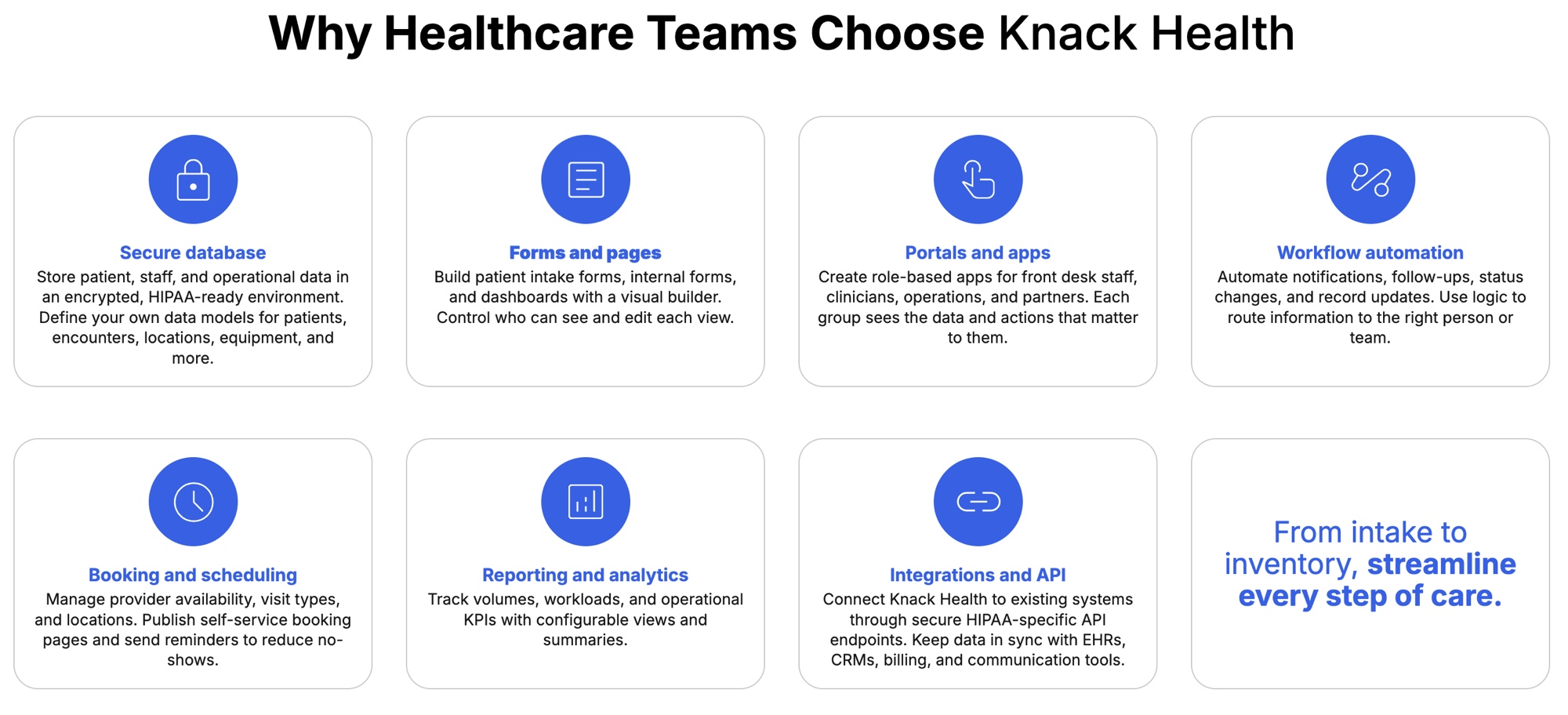
Knack Health is built on top of Knack’s core no-code infrastructure and designed to support healthcare use cases. Practices can start with healthcare templates for common workflows like patient intake and record management, then customize them to fit their needs. The platform’s flexible data structure makes it easier to organize patient, clinical, and administrative information in a way that reflects how your practice operates.
Knack Health also includes secure hosting and compliance-focused configurations for handling sensitive data. Access to patient information can be controlled using page-level, element-level, and record-level permissions, helping limit exposure across your team.
The platform also supports extensive integrations that allow you to connect with other tools your practice relies on. When working with protected health information, HIPAA-specific configurations such as dedicated API endpoints may be required.
How to Create a HIPAA-Compliant Dental Patient Intake Form With Knack Health
Creating a HIPAA-compliant dental patient intake form with Knack Health starts with using the right foundation and configuring it to match your practice’s workflows. Here’s how to build your form:
- Start with a healthcare template: Use a pre-built template designed for intake workflows to save time and ensure you include the right structure from the beginning.
- Customize your form fields: Add and organize fields for personal details, medical history, dental history, insurance information, and consent. Tailor the form to reflect the information your team needs to collect.
- Apply secure configurations: Knack Health provides infrastructure for secure data handling, including encryption and protected environments. Your role is to configure how data is collected, accessed, and stored within your app.
- Set up access controls: Limit who can view or edit patient information with page-level, element-level, and record-level permissions, ensuring sensitive data is available only to the right users.
- Enable digital consent and signatures: Include fields for informed consent and privacy acknowledgment, along with digital signature capture to document agreement.
- Share or embed your form: Send secure links to patients before appointments, or embed the form on your website for easy access and completion.
- Connect the form to your CRM: Ensure submissions automatically create or update patient records, keeping your data consistent and eliminating manual entry
Build a Smarter Dental Practice With Knack Health
A connected intake process and custom CRM can make a meaningful difference in how your dental practice operates. When patient data flows cleanly from intake to records, your team spends less time on manual tasks and more time focused on care.
Knack Health provides the infrastructure to support secure, flexible systems, while still giving you control over how your workflows are designed and managed. With the right setup, you can create a streamlined experience for both patients and staff without relying on rigid, one-size-fits-all software. Start building with Knack Health or contact us today to take back control of your dental patient intake process.
Custom Dental CRM and Patient Intake From FAQs
What is a dental patient intake form?
A dental patient intake form is a document used to collect patient information, medical history, and consent before treatment.
Are digital dental intake forms secure?
Yes, when built on HIPAA-compliant platforms like Knack Health, they use encryption and secure access controls.
Can I customize a dental CRM without coding?
Yes, platforms like Knack allow you to build fully customized dental CRM systems without development experience.
What should be included in a dental intake form?
Dental intake forms should include personal details, insurance information, medical and dental history, emergency contacts, and consent forms.
How does Knack Health support compliance?
Knack Health supports HIPAA compliance by providing HIPAA-ready infrastructure, secure data handling, and tools for consent and privacy management.