


 Log In









Upgrade your Next-Gen Knack app’s look and feel with full styling control—Custom CSS is now available. You can now seamlessly style using semantic HTML and a clean, class-based system. Plus, with a toggle to enable or disable CSS, troubleshooting is easier than ever.
Why Custom CSS Matters for Next-Gen Apps
- Complete visual control: Apply your brand’s colors, layouts, responsiveness, and more.
- Semantic HTML & class-based structure: Elements use proper tags like
<main>,<nav>,<section>, with consistentkn--prefixed classes for clarity and maintainability. - Easy debugging: Switch CSS on/off to isolate styling issues quickly.
- Better developer experience: Built-in code editor includes light/dark mode and syntax highlighting—great for styling on the go.
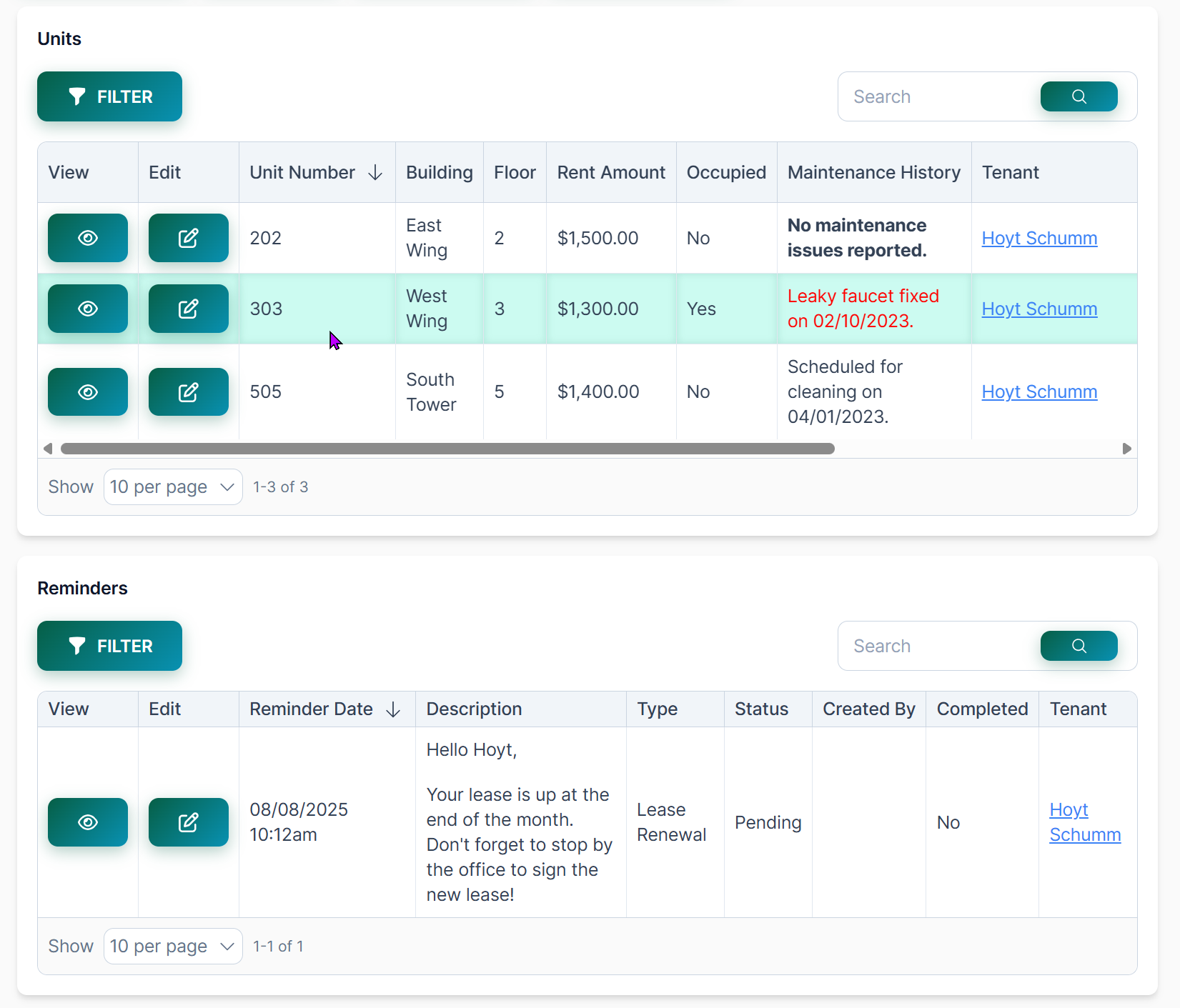
What’s Included in the Release
1. Modern Semantic HTML Structure
Next-Gen apps now use semantic HTML5 elements—such as <main>, <nav>, <section>, and <header>—so your styles remain meaningful, maintainable, and future-proof.
2. Consistent kn- Prefixed CSS Class System
Target views and components with intuitive classes such as:
- Views:
kn-form-view,kn-list-view,kn-details-view - Navigation:
kn-main-nav,kn-main-nav-item,kn-brand - Charts:
kn-pie-chart-view,kn-bar-chart-view - Layout:
kn-page,kn-page-section,kn-page-title - Buttons:
kn-action-button
This structure lets you easily scope styles and build responsive designs.
3. Built-In Code Editor with Light/Dark Themes
Write your CSS directly in-app with syntax highlighting and toggle themes—light or dark. Style confidently in the environment that suits you.
4. CSS Toggle for Troubleshooting
Easily enable or disable your CSS to compare styles, diagnose layout issues, and debug in real time.

How to Get Started
- Navigate in your app: App Settings → API & Code → CSS.
- Enable the CSS toggle to both edit and load CSS in your live app.
- Start styling using the built-in editor and kn- classes.
- Explore documentation for guidance:
- Next-Gen CSS Quick Start + Reference
- CSS Implementation Guide
- Common CSS Customization Examples (e.g. setting
.kn-page { background-color: … }, or adjusting.scene_123.kn-page { max-width }) - Check out Knack Docs for examples and more!
TL;DR Summary
| Feature | Benefit |
|---|---|
Semantic HTML & kn- classes | Predictable, maintainable styling |
| In-app code editor | Syntax highlighting + light/dark mode |
| CSS toggle | Quick styling isolation & debugging |
| Robust documentation | Guided implementation and examples |
| JavaScript customization (coming soon) | Even deeper control ahead |





