


 Log In






Patient Scheduling Template
Efficient patient scheduling and healthcare communication platform.

Build apps in minutes with AI

Protect and control your data

Manage and connect your data

Connect tools and sync workflows

Track and visualize performance

Manage roles and permissions

Run and automate online sales

Customize your user interface

Streamline operations with automations

Collect and manage data easily

Start fast with pre-built app templates

Read insights and practical tips

See how others use Knack

Watch tutorials and user stories

Look up common no-code terms

See how Knack stacks up

Get hired to build or expand apps

Learn how to set up your app

Access technical guides and documents

Connect with other Knack builders

Earn revenue by referring Knack

Get hired to build apps

Resell Knack to your clients
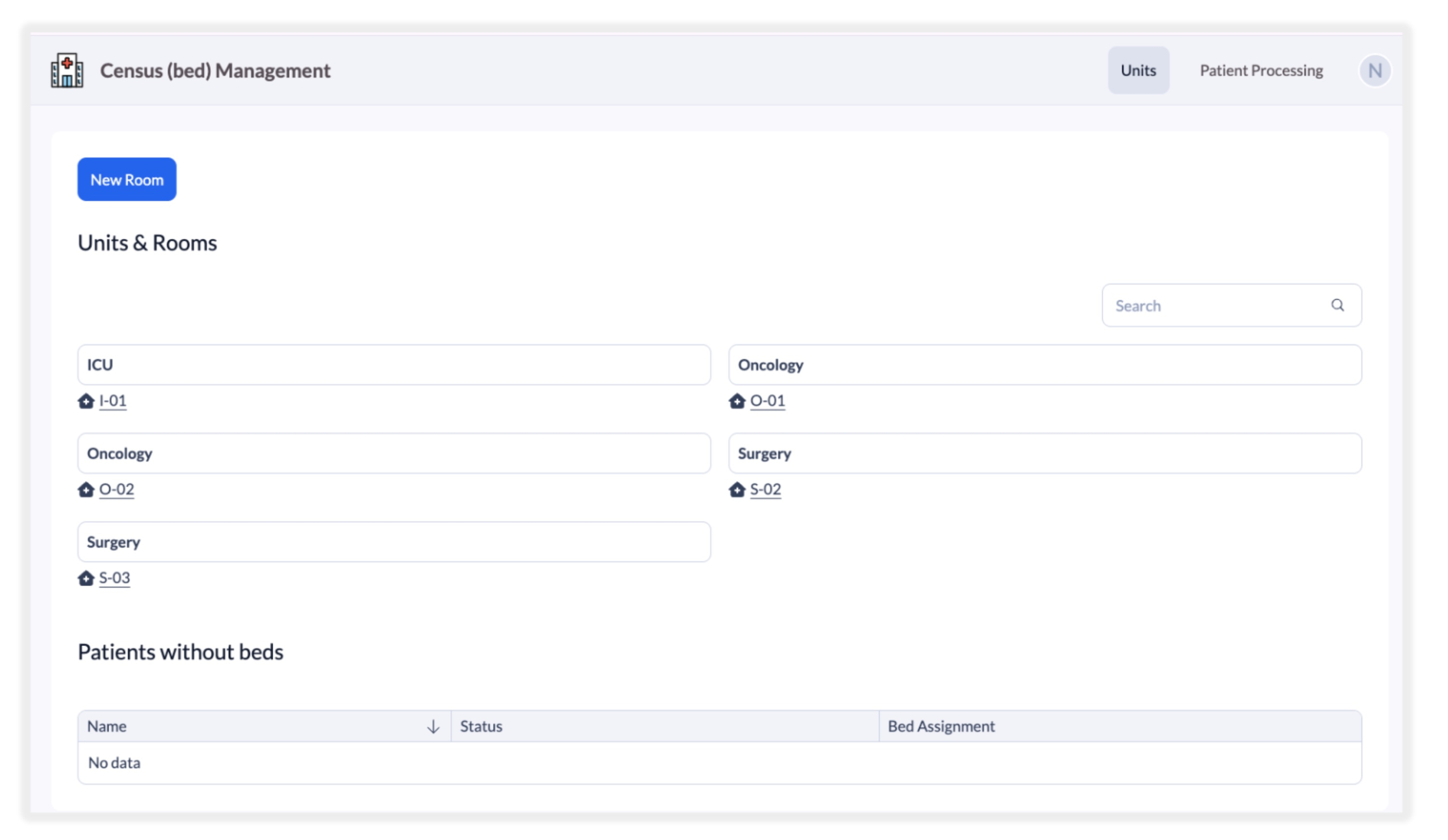
Track patients from referral through admission using a structured workflow. Admissions teams can record referral information, move patients through review stages, and update statuses such as referral, in review, accepted, or admitted. This process provides a clear pipeline that helps staff manage incoming patients while keeping administrators informed about upcoming occupancy needs.
Manage facility capacity with a structured inventory of units, rooms, and beds. Each room can contain multiple beds, allowing staff to quickly identify available capacity across the organization. By linking patients directly to beds, teams can instantly see which beds are occupied and which remain available for new admissions.
Maintain detailed patient records that include insurance details, medications, and related notes. Staff can update patient information as they move through the referral and admission process, ensuring that all relevant details are accessible from one centralized record. This helps care teams stay informed while preparing for new admissions.
Give admissions coordinators a centralized dashboard that shows patient referral status, available beds, and upcoming admissions. Staff can easily manage patient placement while balancing bed availability across units and rooms. This helps facilities respond faster to incoming referrals and coordinate admissions more efficiently.
Provide separate portals for administrators, coordinators, and viewers. Administrators can oversee studies and site assignments, coordinators manage participant enrollment and visits, and viewers can review study progress or reports. Role-based permissions ensure that users only see the data and functions relevant to their responsibilities.
Monitor facility performance with dashboards that track occupancy rates, bed availability, referral trends, and admissions activity. Executives and administrators can view real-time insights that help them understand patient flow, identify capacity challenges, and make informed operational decisions.
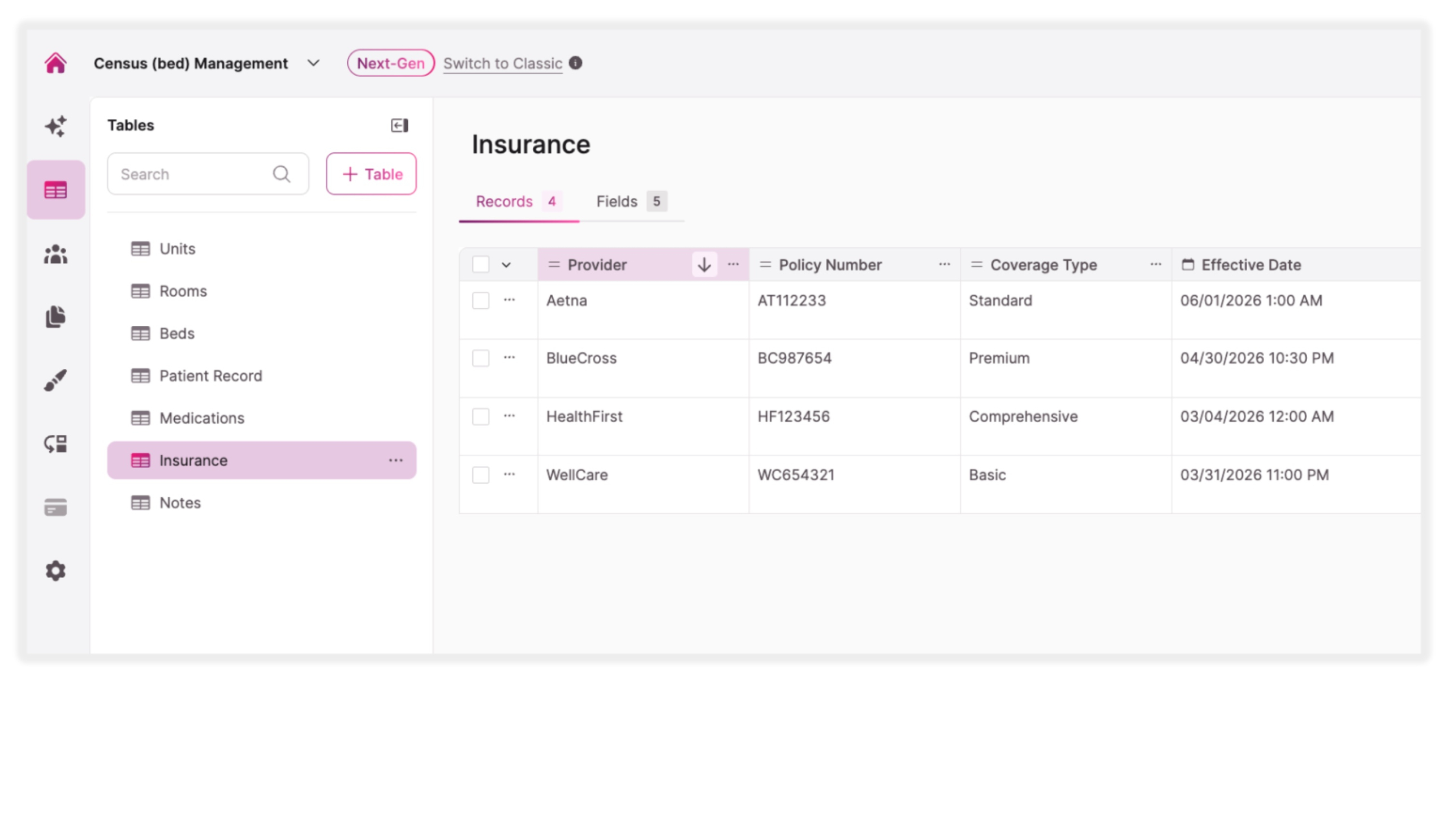
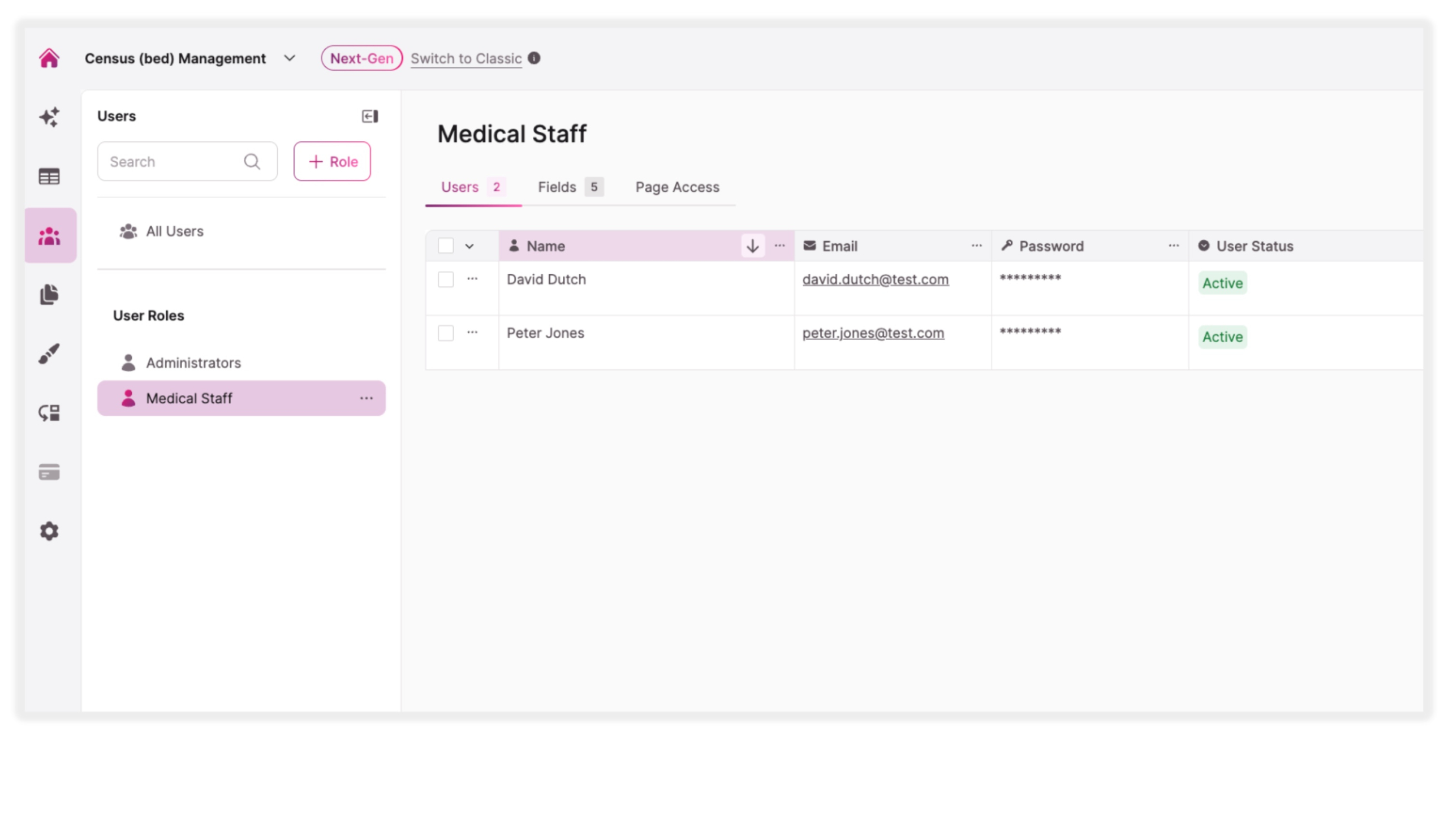
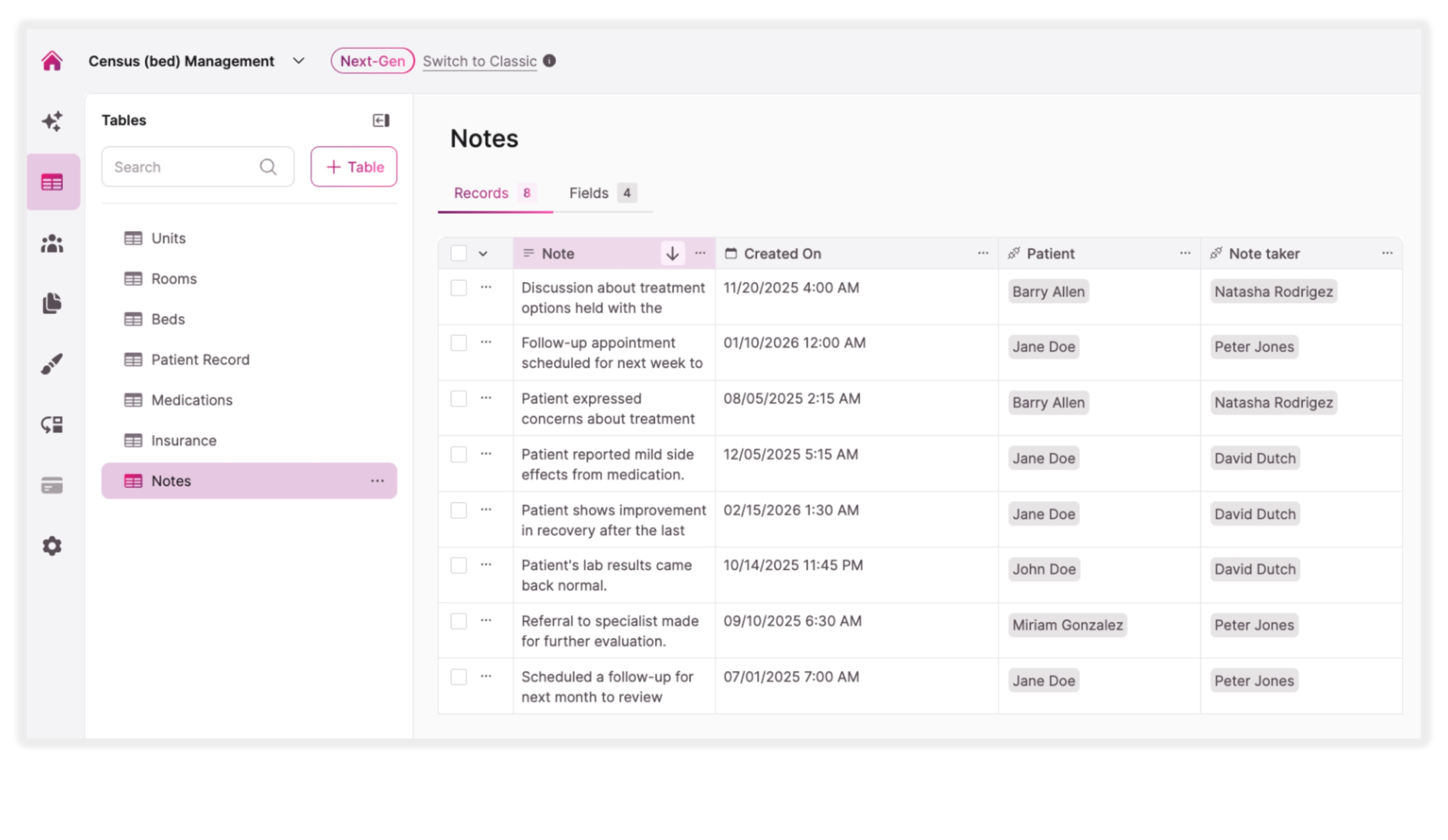
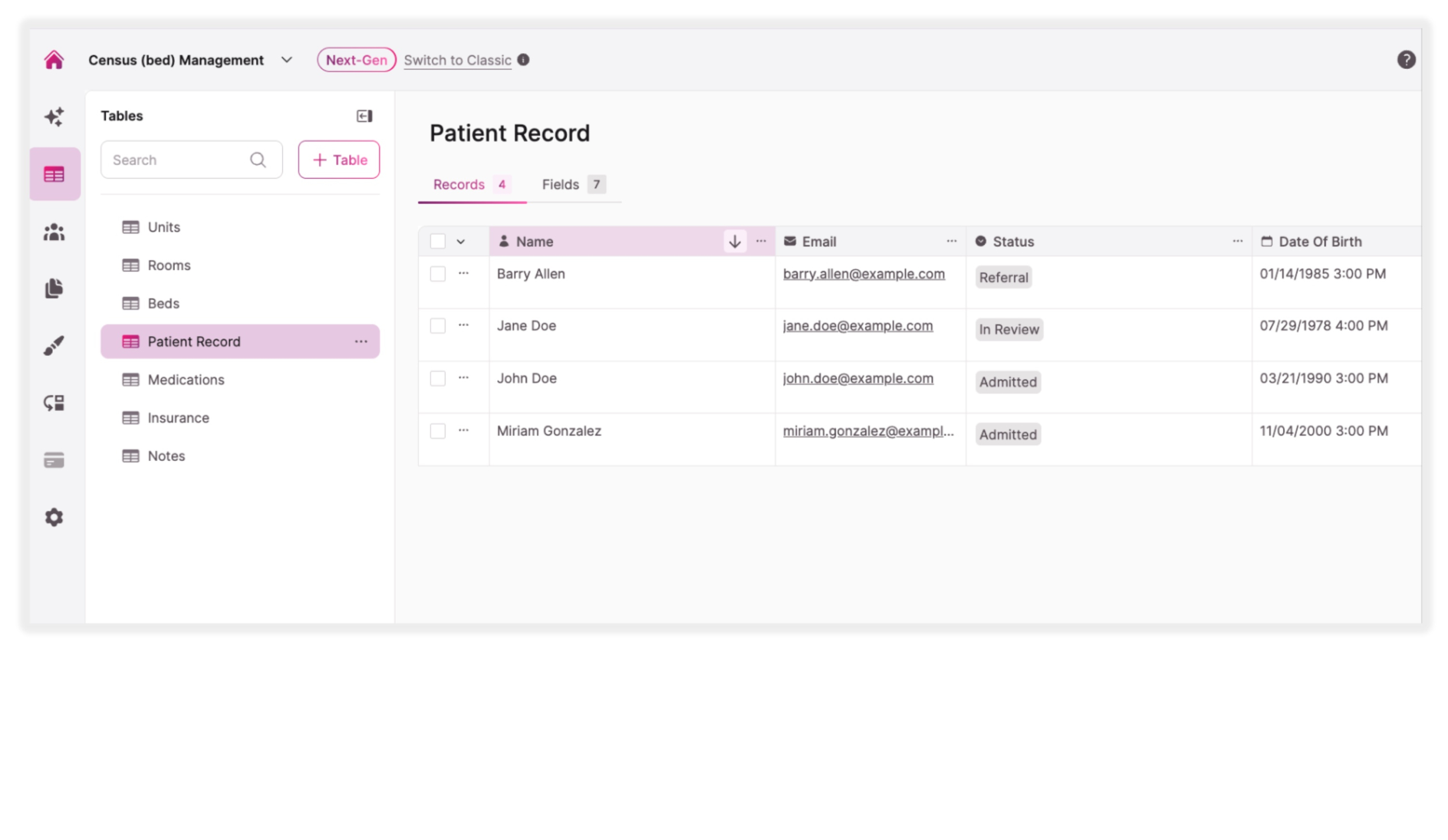

Manage incoming patient referrals with a structured workflow that tracks each individual through review, acceptance, and admission. Admissions teams can prioritize cases while maintaining a clear view of the overall pipeline.

Provide staff with instant visibility into available beds across units and rooms. Coordinators can quickly determine where new patients can be placed without searching across multiple spreadsheets or systems.

Assign admitted patients to specific beds while maintaining a record of their unit, room, and care information. This helps teams manage patient movement and avoid placement conflicts.

Track the current census across departments, units, or facilities. Administrators can monitor how many beds are filled and how many remain available in real time.

Provide leadership teams with dashboards that display occupancy rates, admissions volume, and referral trends. These insights help organizations evaluate operational performance and anticipate capacity needs.

Store patient details, medications, insurance information, and related notes in one structured database. Care teams and administrators can quickly access the information needed to coordinate admissions and care planning.
Knack wins over traditional work order tools, docs, and spreadsheets.
| Traditional Tools | Knack Health |
|---|---|
| Fragmented Bed Tracking: Many facilities track bed availability through spreadsheets or manual updates, making it difficult to maintain an accurate census. | Centralized Census Management: Knack connects patients, admissions workflows, and bed inventory into a unified system that provides a clear picture of facility capacity. |
| Manual Admissions Coordination: Admissions teams often manage referrals through emails and disconnected systems, slowing down the patient intake process. | Structured Admissions Workflows: Manage referrals, track patient status, and coordinate admissions through configurable workflows that support efficient patient intake. |
| Limited Visibility for Leadership: Executives and administrators may lack real-time insights into occupancy, referrals, and admissions activity. | Real-Time Occupancy Insights: Dashboards provide instant visibility into occupancy rates, bed openings, and admissions activity across the organization. |
| Data Silos: Patient information, bed tracking, and admissions data are often stored in separate systems, making coordination more difficult. | Secure, Role-Based Access: Control access to patient and operational data through customizable permissions, encrypted storage, and HIPAA-ready hosting options with a BAA available. |







