


 Log In






Patient Scheduling Template
Efficient patient scheduling and healthcare communication platform.

Build apps in minutes with AI

Protect and control your data

Manage and connect your data

Connect tools and sync workflows

Track and visualize performance

Manage roles and permissions

Run and automate online sales

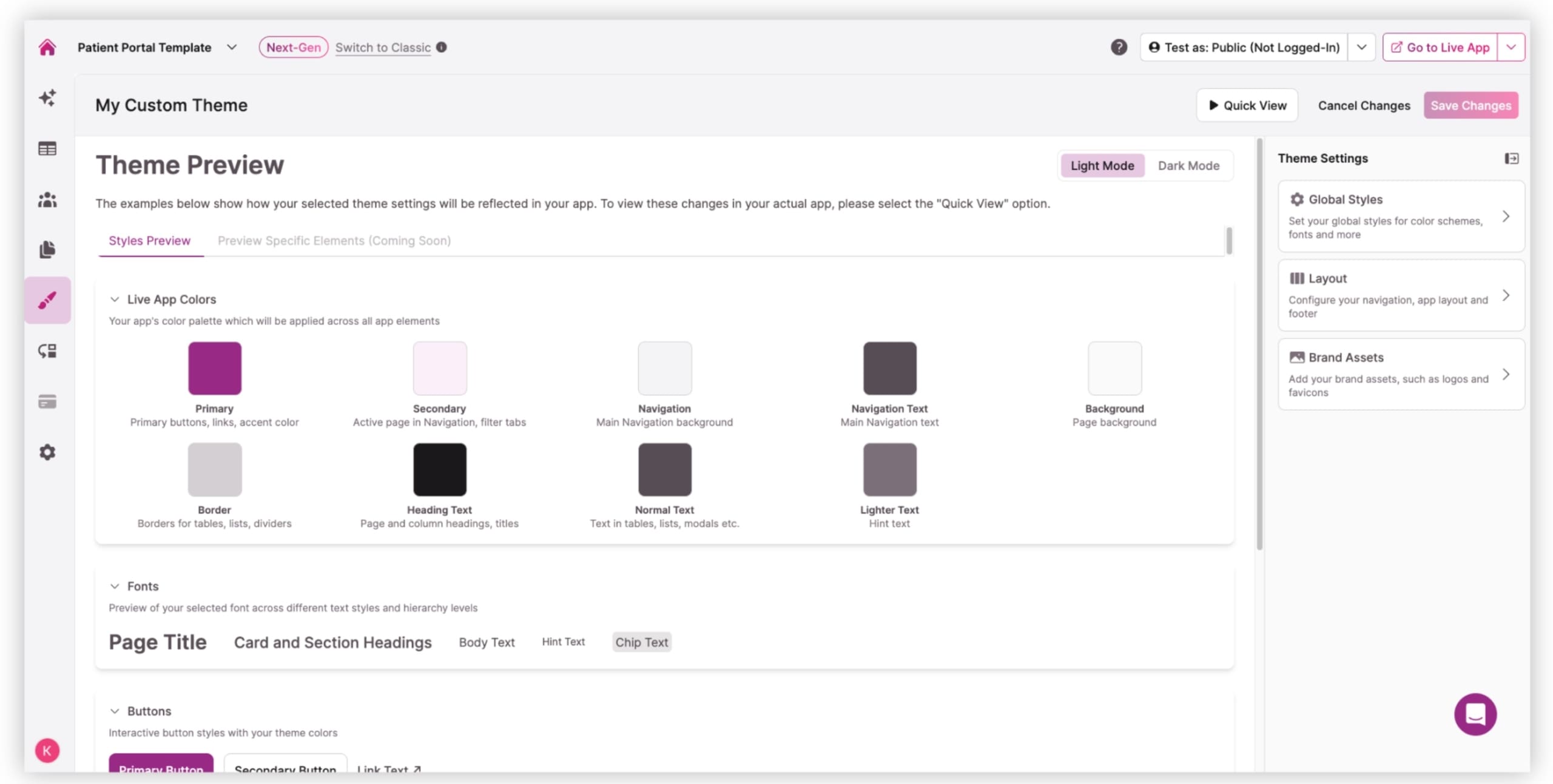
Customize your user interface

Streamline operations with automations

Collect and manage data easily

Start fast with pre-built app templates

Read insights and practical tips

See how others use Knack

Watch tutorials and user stories

Look up common no-code terms

See how Knack stacks up

Get hired to build or expand apps

Learn how to set up your app

Access technical guides and documents

Connect with other Knack builders

Earn revenue by referring Knack

Get hired to build apps

Resell Knack to your clients
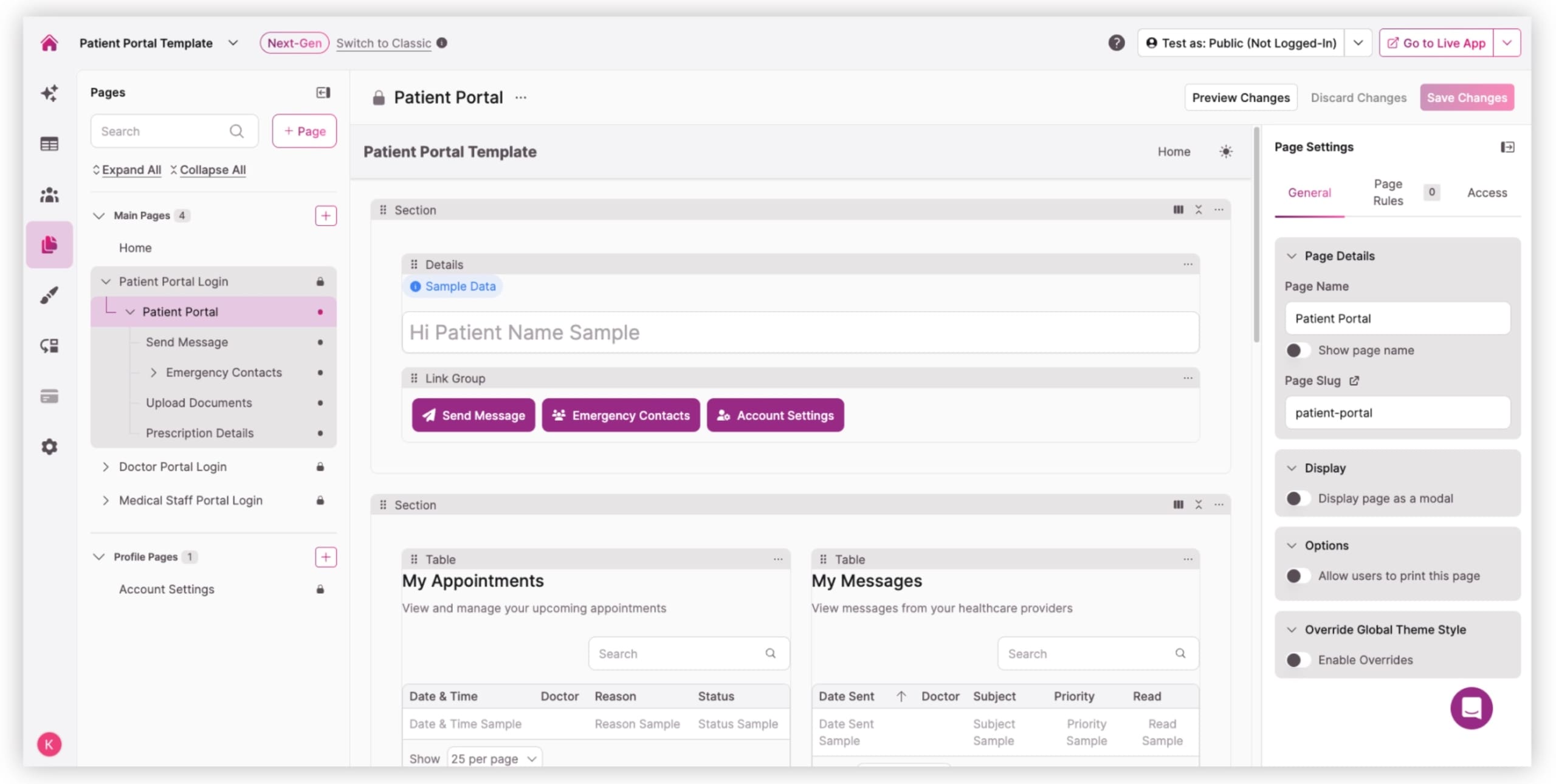
Give patients a clean, intuitive dashboard where they can send secure messages to their provider, view past conversations, and stay up to date on their care. Patients can select a doctor, write a message, upload supporting files, and see their communication history instantly. All messages flow into the provider and staff dashboards for streamlined follow-up.
Allow patients to upload important documents, such as insurance cards, IDs, and medical forms, directly to their profile. Staff and doctors can share additional documents, such as treatment instructions or test result PDFs. Files remain organized within each patient’s record and are protected through role-based permissions and encrypted storage.
Present test results in an easy-to-read layout so patients can quickly see statuses, values, or follow-up instructions. Prescription history includes dose details, refill status, and provider notes. Doctors can add new prescriptions or update existing ones, while staff can support data verification and patient inquiries.
Provide three distinct login portals with tailored dashboards. Patients see their own records, messages, documents, and emergency contacts. Doctors see their appointments, patient list, test results, and prescriptions. Medical staff can manage the entire practice, including appointments, providers, patient records, communications, and uploads. Each role is permission-controlled, ensuring secure access to the right information.
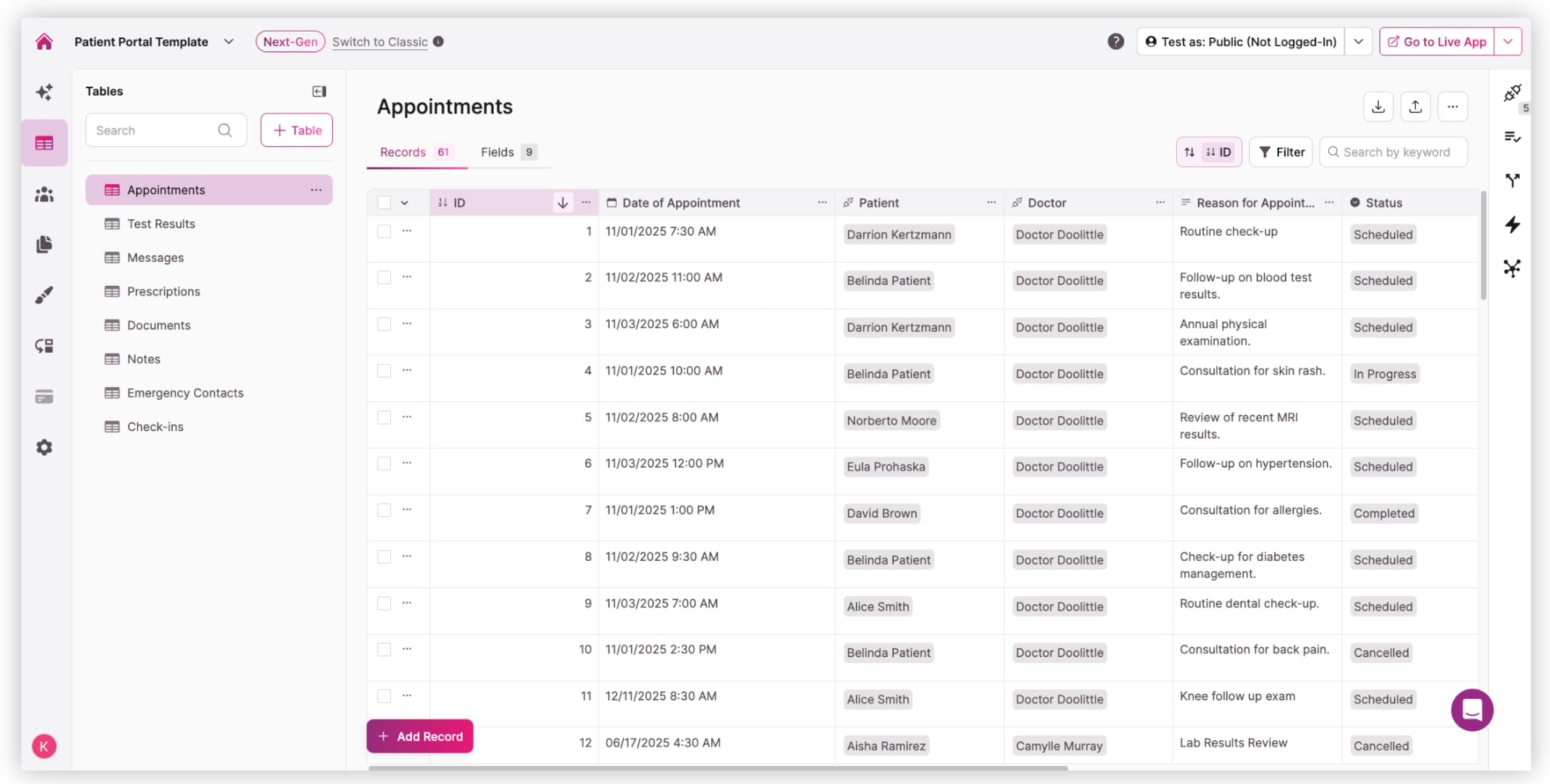
Unify all patient data, including contact information, medical history, test results, prescriptions, messages, and documents, into a fully searchable and filterable database. Staff and clinicians can quickly review records, prepare for appointments, update details, or resolve patient questions without relying on spreadsheets or scattered systems.
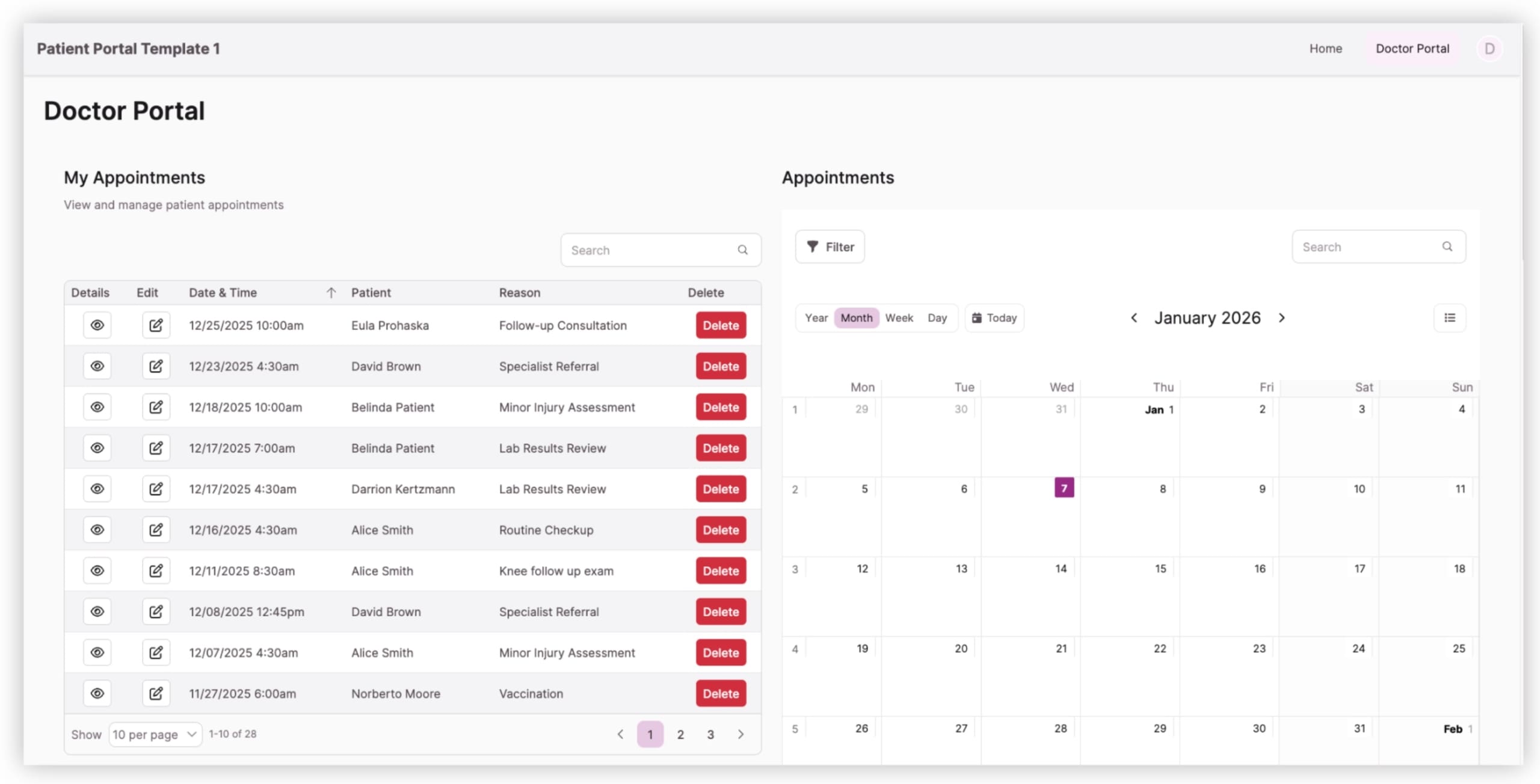
Give staff and doctors the ability to view calendar and list-based appointment schedules, add new appointments, update details, and link notes or documents. Patients can see past or upcoming visits, and staff can coordinate the schedule across the entire clinic from a single interface.
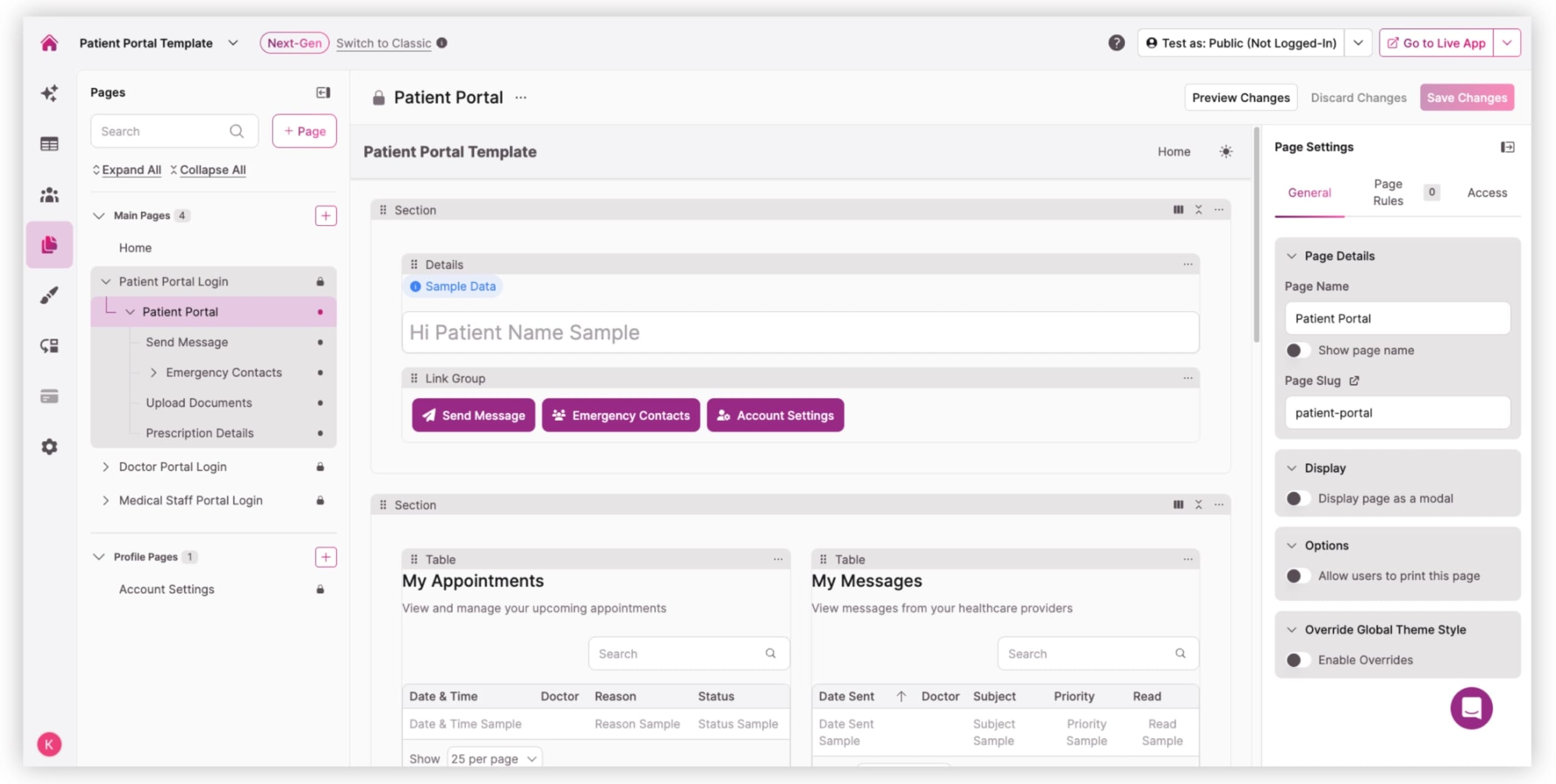
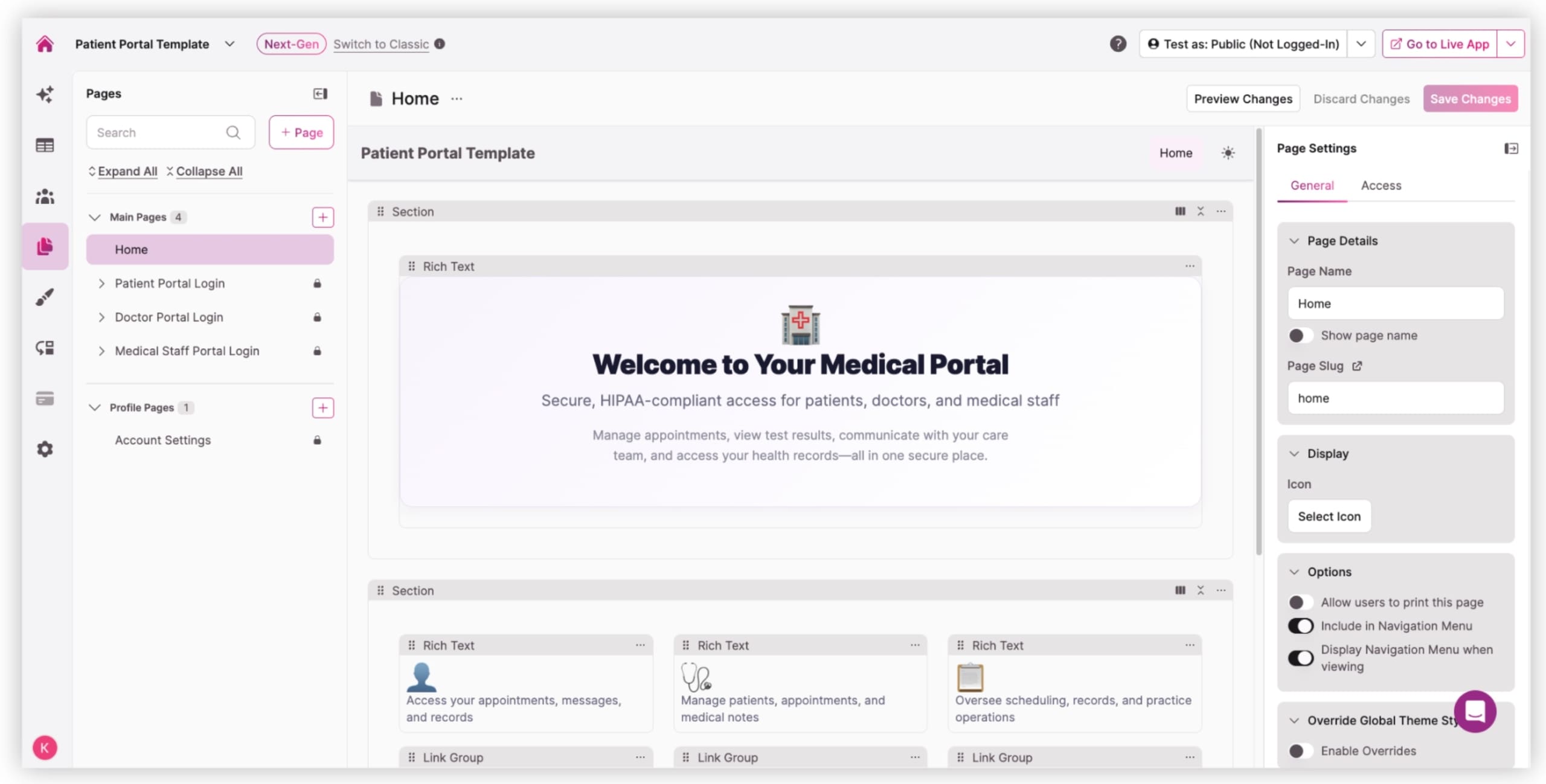

Create a secure space where patients can message providers, ask follow-up questions, and access all communications in one place. Improve responsiveness and reduce call volume.

Provide patients with online access to their test results and prescription details. Doctors and staff can update records in real time and share follow-up instructions without manual paperwork.

Help patients stay organized by viewing upcoming appointments while allowing staff to manage schedules across doctors, departments, or facilities.

Eliminate paper intake packets by allowing patients to upload documents securely. Staff can share forms, instructions, and additional resources within the portal.

Doctors see only their patients and appointments, while staff oversee the full practice. Everyone works from the same structured data, improving coordination and reducing bottlenecks.

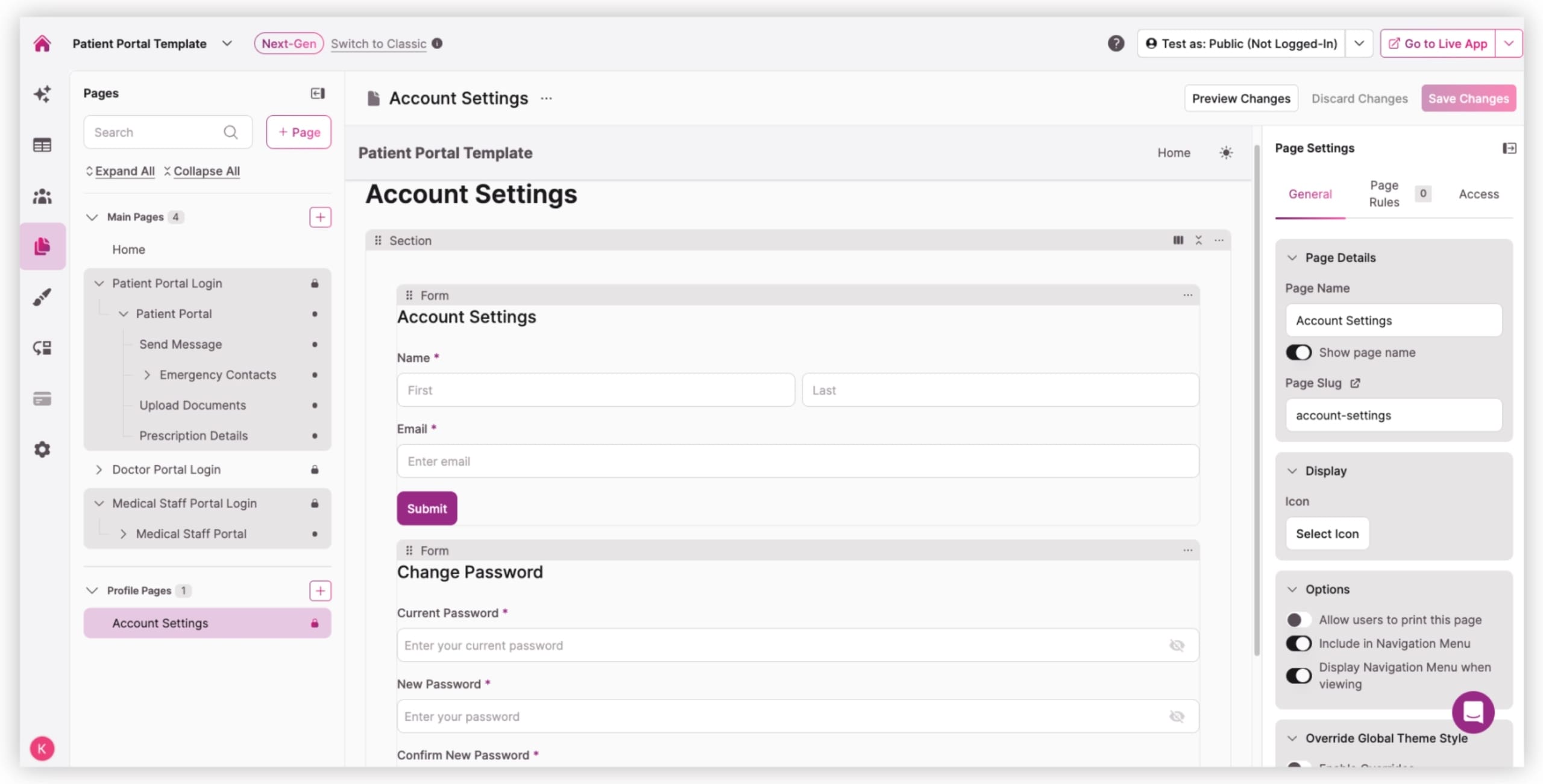
Let patients update contact information, emergency contacts, and other personal information with ease. Practices maintain clean, accurate, and update patient profiles without paper forms and manual data entry.
Knack wins over traditional work order tools, docs, and spreadsheets.
| Traditional Tools | Knack |
|---|---|
| Fragmented Systems: Paper packets, scanned PDFs, and disconnected portals force staff to search across multiple systems, increasing errors and slowing response times. | Centralized Patient Experience: Knack brings messaging, records, results, appointments, and documents into one unified portal that’s customized for each user role. |
| Manual Follow-Up: Traditional tools don’t flag missing documents or unread messages. Staff must track details manually, which can create delays and additional administrative work. | Automated Workflows: Flag missing information, route messages, trigger notifications, and support staff with automated reminders and task assignments. |
| Insufficient Security Controls: Generic form builders or spreadsheets lack HIPAA-grade protections such as audit logs, role restrictions, encryption, and session timeouts. | HIPAA-Ready Infrastructure: Knack supports encrypted data storage and transit, customizable permissions, detailed audit trails, automatic session timeouts, and HIPAA-compliant hosting with a BAA. |
| Frustrating Patient Experience: Patients often face repeated paperwork, limited access to their own records, and no unified view of prescriptions, test results, messages, and other care information. | Modern, Accessible Patient Engagement: Patients can access everything online, including test results, messages, prescriptions, documents, and more, making care more efficient and transparent. |







